On-device transcription
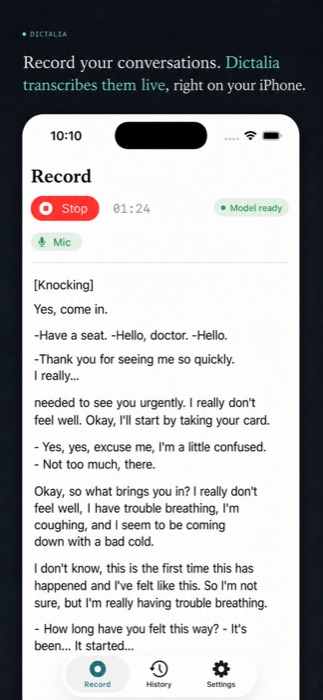
Transcription runs directly on your device, iPhone and Mac alike. Your voice is never sent to a server to be transcribed.
Record an appointment, an interview, a meeting. Dictalia transcribes it on your device, tells speakers apart, and drafts a summary. On Mac it hears your video calls too — without your voice ever leaving the machine to be transcribed.


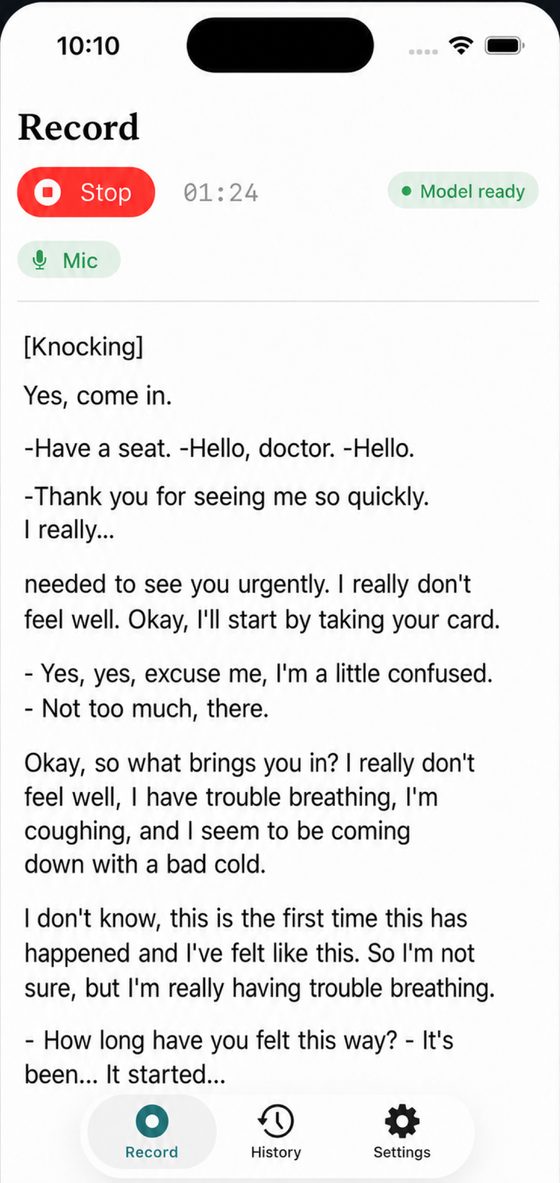
A dictaphone that listens, transcribes, tells voices apart, and summarizes — while you stay present in the conversation.
Transcription runs directly on your device, iPhone and Mac alike. Your voice is never sent to a server to be transcribed.
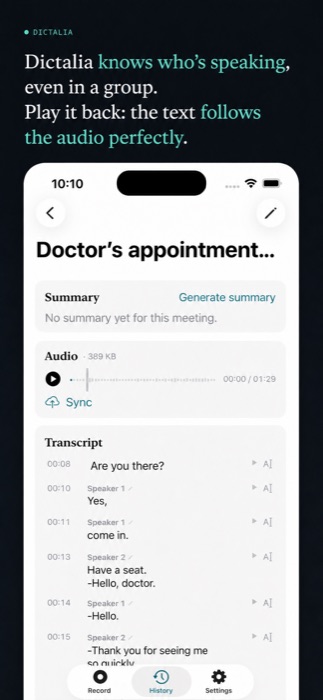
Dictalia tells speakers apart, even several on the same microphone, and you can rename each one with a tap or a click.
The audio stays on your device. Read the transcript while it highlights exactly in sync with the audio track.
Generate a structured summary — overview, key points, action items per person, next steps — with Claude or a fully local model.
Fix a mis-transcribed word, rename a speaker: every edit updates search and the summary.
Text syncs automatically across iPhone, iPad and Mac; audio, being heavier, only syncs once you turn it on.
A doctor's appointment, an interview, a work meeting — a few examples of what Dictalia produces from an everyday conversation.
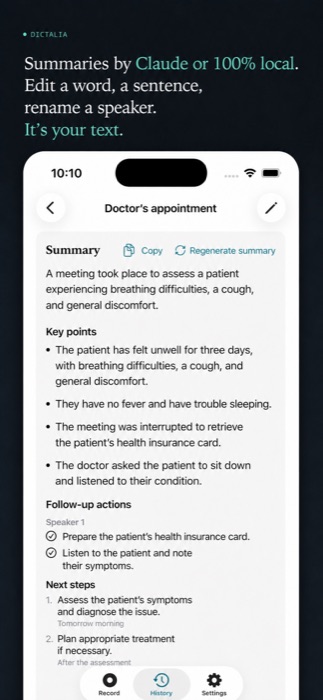
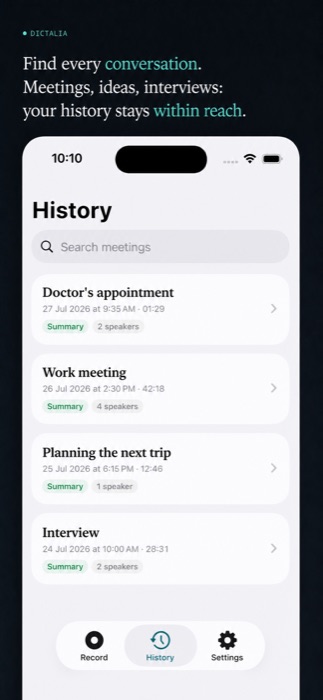
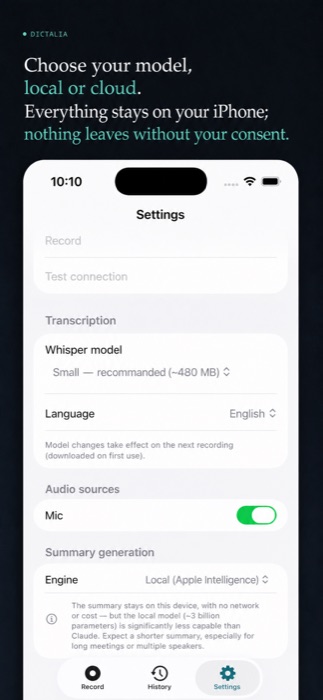
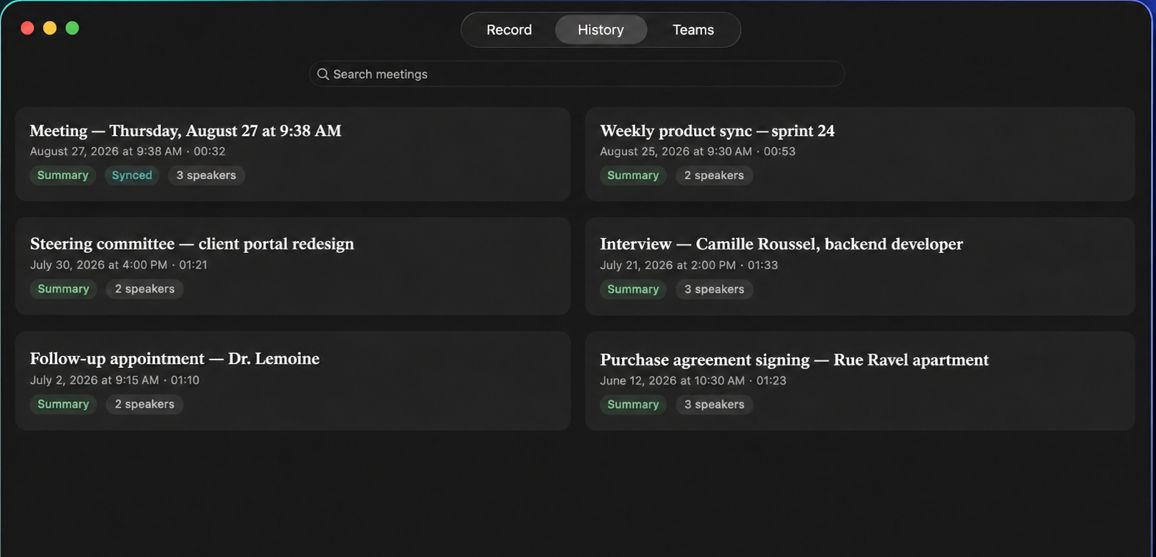
The Mac version does everything the iPhone does — and goes further: it hears what comes out of your speakers, joins your Teams meetings, and puts the summary and the transcript side by side.
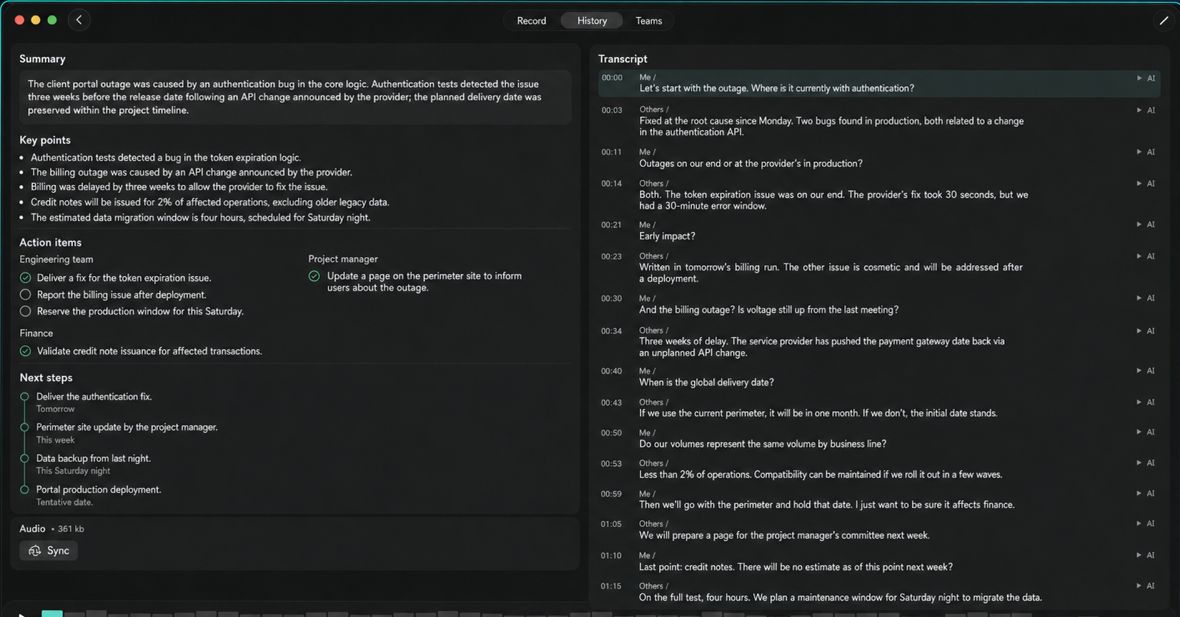
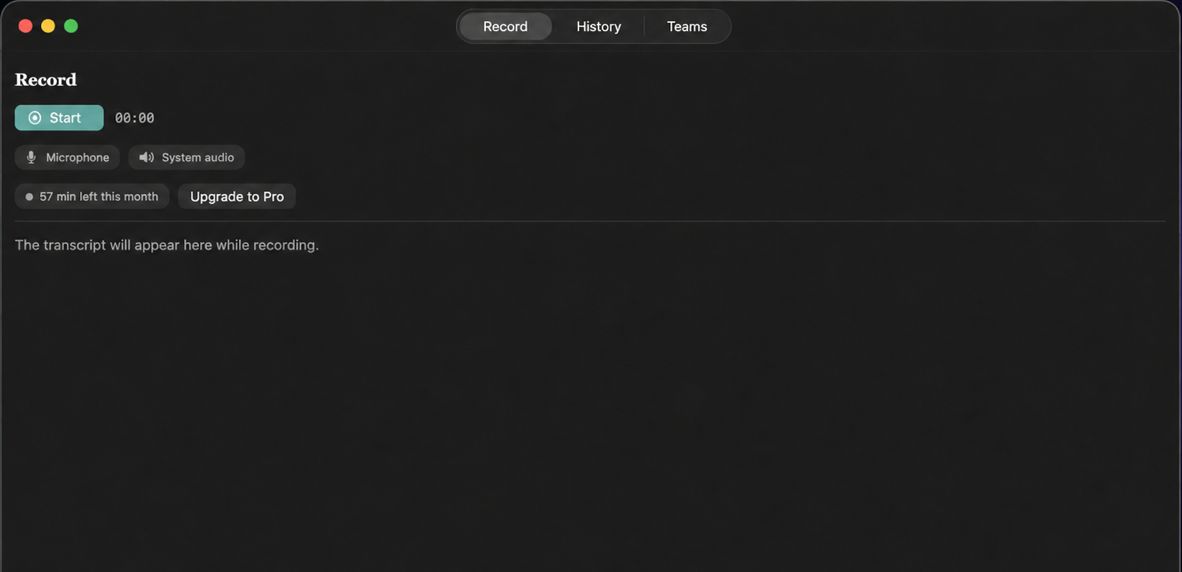
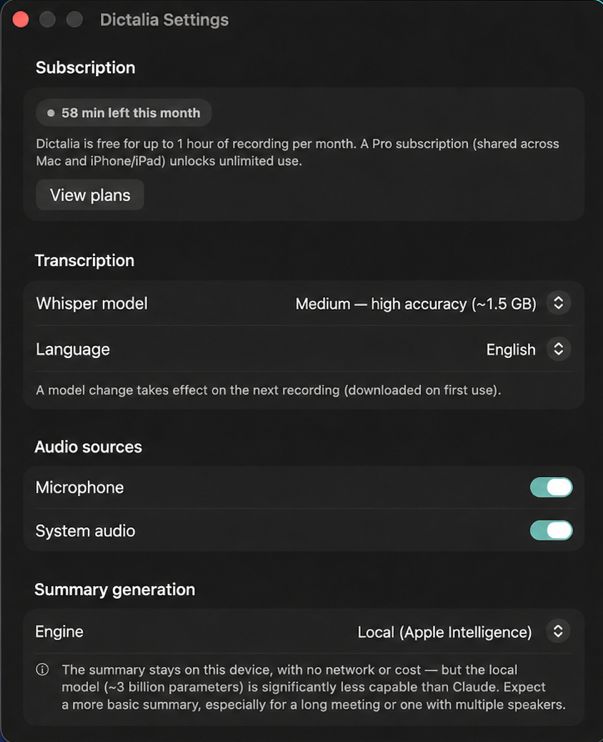
A microphone only hears the room you're in. On Mac, Dictalia also captures what comes out of your speakers: your video call is transcribed from both sides, remote participants included.
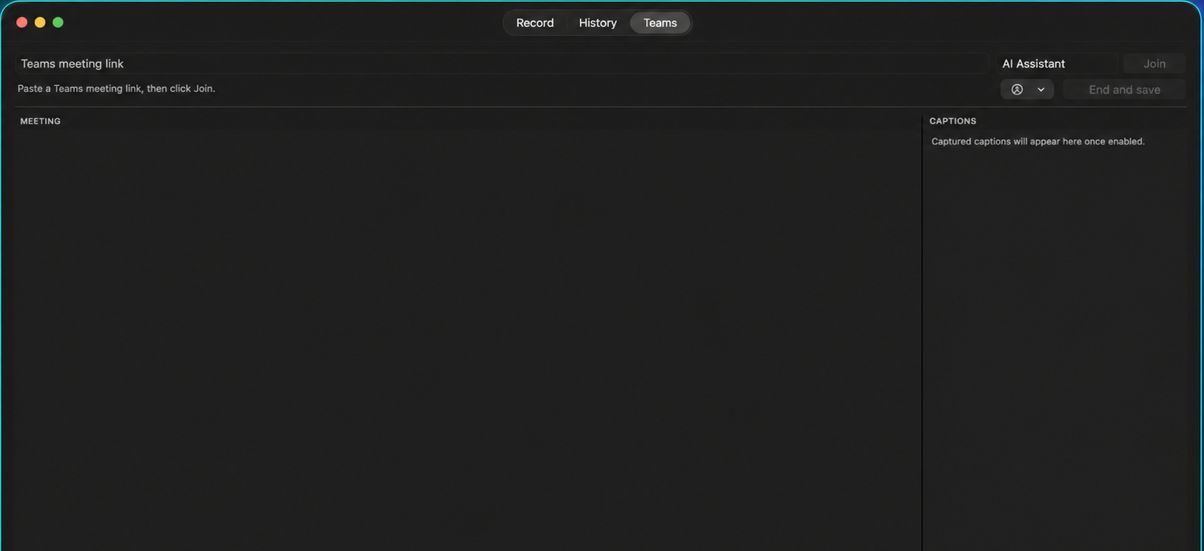
Paste a Teams meeting link: Dictalia joins it, shows live subtitles and writes the summary at the end. All you have to do is take part.
Room enough to read the summary and check the transcript at the same time, without switching screens. Every key point stays tied to the moment it was said.
One hour of recording free every month. The Pro subscription is shared across Mac, iPhone and iPad — start a meeting on one, pick it up on the other, without paying twice.
The Mac version is being prepared for the Mac App Store. Write to us if you'd like to hear when it ships — or to try an early build.
Dictalia is designed to keep control in your hands, not a server's.
No audio is ever sent to a server to be transcribed — the model runs entirely on your iPhone or your Mac.
Use Claude for a finer summary, or a local model that never leaves the device. You choose every time.
Your text syncs via iCloud across your devices; the audio, though, only goes to the cloud if you tap "Sync".